GNU Emacs is way more than an editor: it's a Lisp interpreter. Here's my year with it, Org-mode, org-roam, and why it became my main tool.
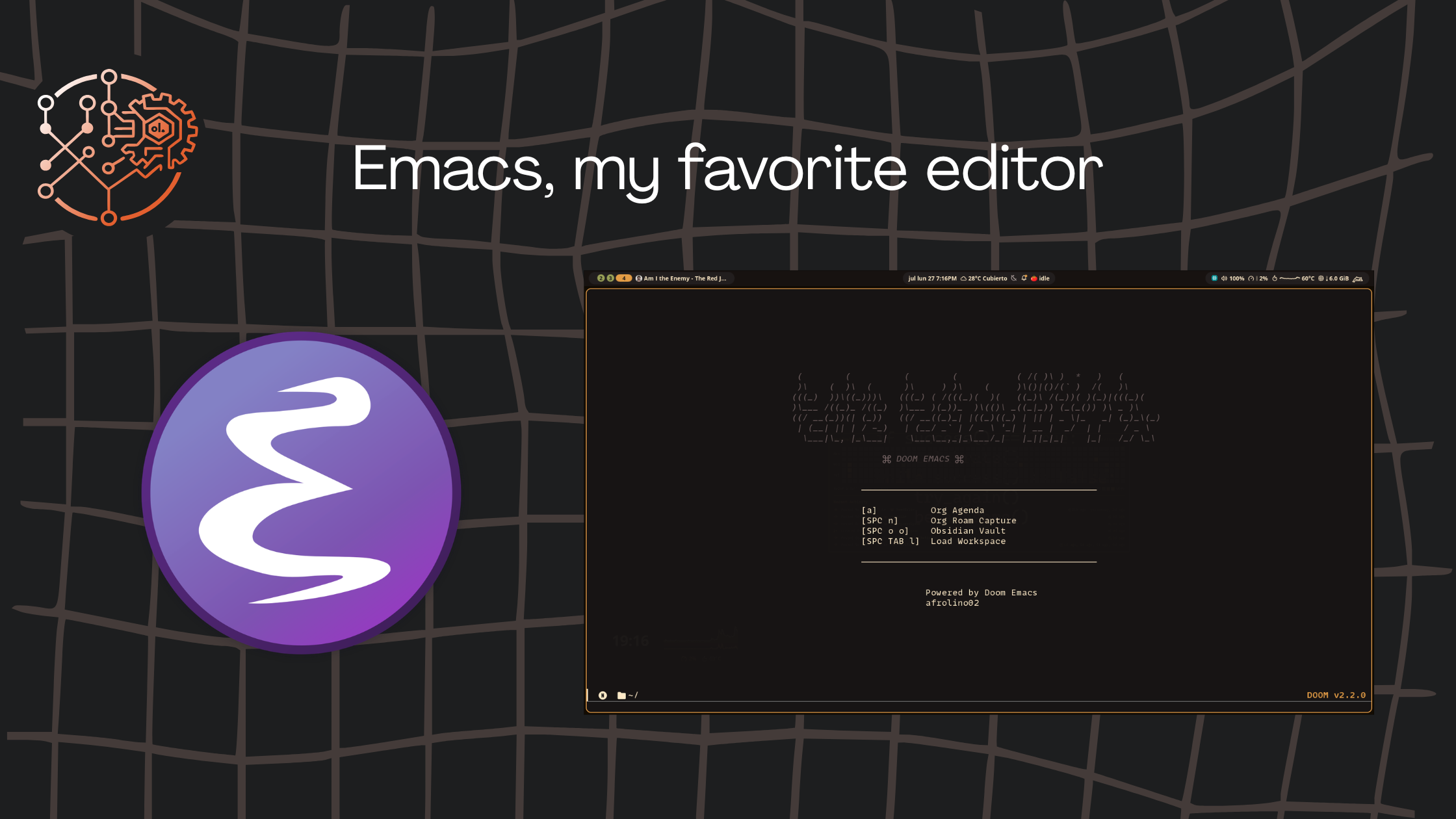
Taking notes, writing code, learning something new — that's what has kept me going since I left school. But in the digital era, all of this has also been a bumpy ride. Paper has friction. Software has friction. At the end of the day, you just do what you can with what you have.
Today I want to share everything that frustrated me on this note-taking and coding path, and why Emacs ended up being the editor that stuck.
My main problem
Before anything else, I used Atom back when it still existed. It was a great editor, but it was missing some things I needed, especially for note-taking. I eventually ended up on Notion. Very nice, very comfy, but it had a serious core issue: it was too closed, and exporting notes was never good. It's been known for a long time that Notion doesn't export wikilinks properly. I spent almost a year fighting that.
Neovim + Obsidian
Back in 2022, I discovered Obsidian. The extensibility and the plugins are the best thing about it — it's the most beautiful thing out there. Even though it was still in its early days, it was the best thing that happened to me: I no longer depended on a company's cloud to keep my notes locally.
The catch... Electron. People who know me know I really don't like its performance. It wouldn't even open on mid-range Android phones, and on PC, with too many plugins, it lagged like crazy. I ended up removing most of them and keeping only a few. Lazy loading didn't help either: it was just slow. Dataview wouldn't load until you set it up manually. It was genuinely annoying. Still, Obsidian was great.
As for Neovim, I've always used it for quick projects and config files. I still use it today to make my installs declarative and reproducible.
I had obsidian.nvim, which is honestly the best plugin, but at the end of the day it was still plain text, and I could port it to something more powerful. That's when the next editor showed up.
Emacs: all-in-one
About a year and a half ago, I said I was going to switch editors. Something all-in-one that I could tweak to my taste. Then the day came. I saw that youtuber bashbunny had switched to Emacs and thought: I only used it for editing small files, I didn't know it was that powerful. It turned out to be exactly what I was looking for: one workspace for everything.
Let me show you some of my setup so you can see how good this is.
What Emacs really is
There's something almost nobody tells you at first: Emacs is not just an editor. It's an Emacs Lisp interpreter dressed up as an editor. Almost everything you see on screen — buffers, major and minor modes, themes, keybindings — is written in Lisp, and you can read it, change it, or replace it.
That philosophy explains two things that scare people at first:
- The learning curve is real. Shortcuts use modifiers like
C-x(Ctrl+x),M-x(Alt+x), and everything combines. - But you never run out of headroom. If Emacs can't do something, you learn how to make it do it.
Configuring Emacs: my templates
In Obsidian you usually had to keep separate template files, which is fine (I always tell my friends to use placeholders and keep things organized). But with Emacs I can inject them directly into modularized files:
(defcustom afro/grove-templates  '(("f" :name "OpenPayments Note"     :description "Note for the OpenPayments + Interledger course"     :target "00 Notes/Courses/Platzi Courses/OpenPayments Interledger Course/${slug}.md"     :file "course-openpayments.md"     :extension "md"     :frontmatter t)
    ("l" :name "Linux Unhatched Course"     :description "Note for the Linux Unhatched course (Cisco)"     :target "00 Notes/Courses/Various Courses/Linux Unhatched Course/${slug}.md"     :file "course-linux.md"     :extension "md"     :frontmatter t)
    ("m" :name "General Note"     :description "Markdown note with frontmatter (accepts tags)"     :target "00 Notes/${slug}.md"     :file "note.md"     :extension "md"     :frontmatter t     :ask-tags t))  :type '(repeat (list string (repeat :tag "Properties" sexp)))  :group 'grove)
This doesn't come with grove out of the box. I tried to wire the functionality with my org-roam setup. Having keybindings like Obsidian's Commander is fantastic. I even picked up some guides I found online to make Org-mode better, like margin notes.
Org-mode: the real gift
Org-mode works with .org files that have a simple syntax:
* Main task  SCHEDULED: <2026-07-27 Mon>  :PROPERTIES:  :CATEGORY: blog  :END:
  Subtasks:  - [ ] Write draft  - [ ] Proofread  - [ ] Publish
** Notes   Emacs + Org-mode + org-roam = my external brain.
What you can do with Org-mode:
- Quick capture with
C-c c(org-capture): a small buffer pops up, you type an idea, and it gets saved to the file you defined. - Agenda with
C-c a: see your day, your week, priorities, and deadlines. - Tables like Excel, but in plain text.
- Code blocks (
BEGIN_SRC python ... END_SRC) you can run inside the document (literate programming). - Export to Markdown, HTML, PDF, LaTeX, Beamer, and more.
org-roam: digital Zettelkasten
org-roam takes Org-mode into Zettelkasten territory. Every note is a node, notes link to each other with [[roam:]], and Emacs builds a database that helps you find connections you didn't even remember.
I found it really powerful, although I noticed something: with the number of notes I have, the database can take a while to open and load. It's portable plain text at the end of the day, but because it's tied to a SQLite database, the notes feel a bit more "locked" to the environment. If it works for someone, great. Personally, I always lean toward full portability.
Performance for a lifestyle
This is what I was looking for: an all-in-one program to configure everything I needed. Emacs lets me:
- Edit code in several languages with LSP.
- Take notes in Org-mode and Markdown.
- Run my agenda and GTD system.
- Manage files and projects with
diredandmagit. - Read PDFs, RSS, email, and run a terminal.
It's not the fastest editor in the west, and it's not the prettiest, but it's the one that fits how I work best. I configure it once and the investment pays for itself.
Conclusion
The truth is, tools are a personal thing. I'm a bit picky about my notes, but I think it's great that everyone finds their own comfort zone:
- If you want something more centralized and you don't mind the cloud → Notion.
- If you want local notes with the ability to extend → Obsidian.
- If you want full control of your editor, no doubt → Emacs.
Be pragmatic and find what works for you. On the learning path, you try things, you mess up, and you keep what works best.
Next time I'll show you what works for me with Org-mode and my productivity setup.
You may also like
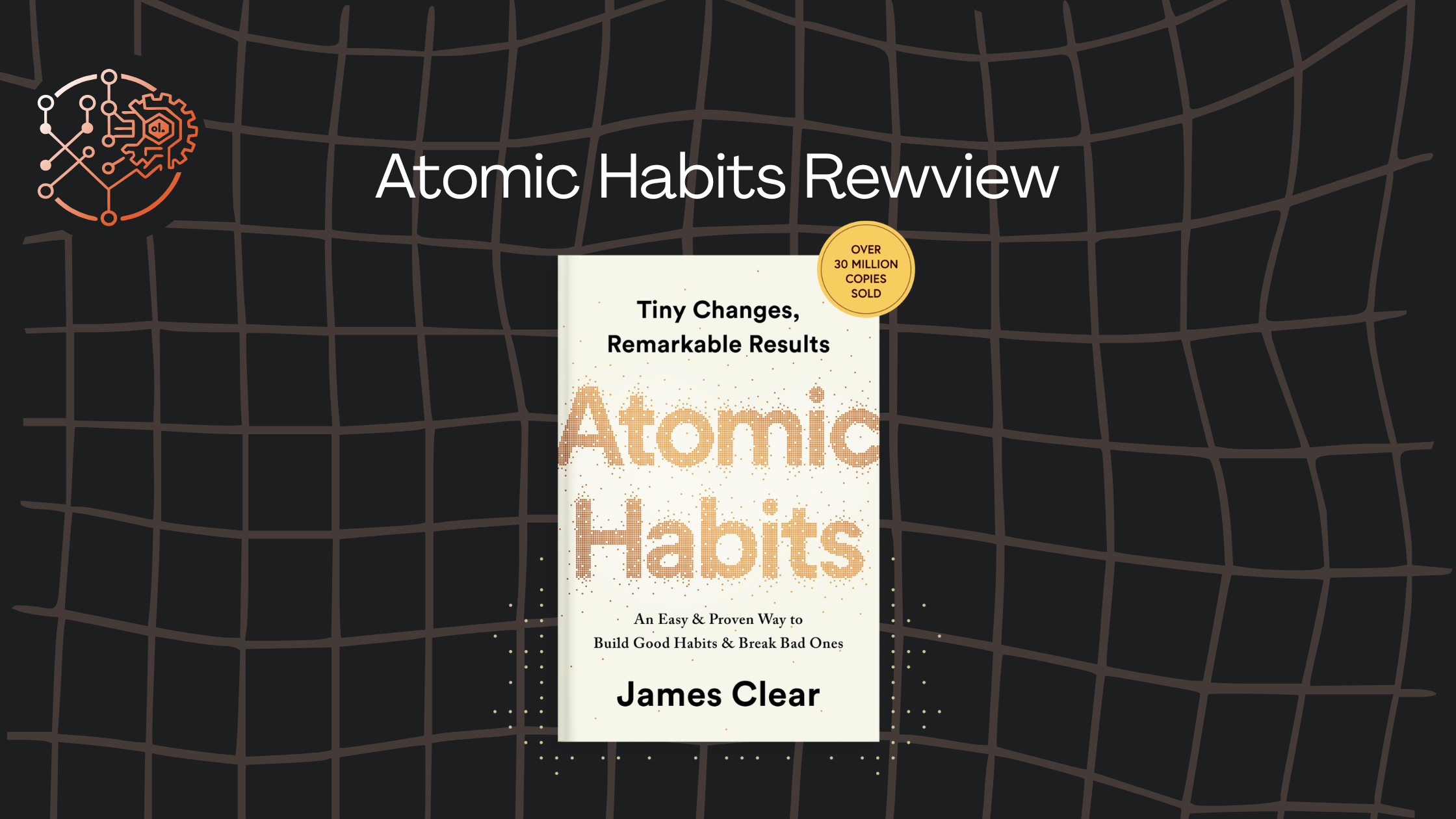

Review: Atomic Habits — behaviorism, friction, and getting back to good habits
I don't like self-help books, but this one actually helped me. Here is my take on James Clear's system and how small habits make big changes.
Read more
How's my English after all these years? My self-taught learning methods
I share the techniques that have worked for me to learn English on my own, from spaced repetition to immersion in online communities.
Read more
From NixOS to CachyOS: why I left NixOS (and why not pure Arch)
I share why I left NixOS after using it for a while, what I'll miss the most, and why I ended up on CachyOS.
Read more